Trackwise Where Is My Parcel?
Parcel tracking for a shop and its customers. Paste a tracking number from any of 14 carriers and get one timeline back, even when the parcel changed hands halfway.
A prototype build: a running React app, designed inside Razorpay’s Blade design system rather than a house style of my own.
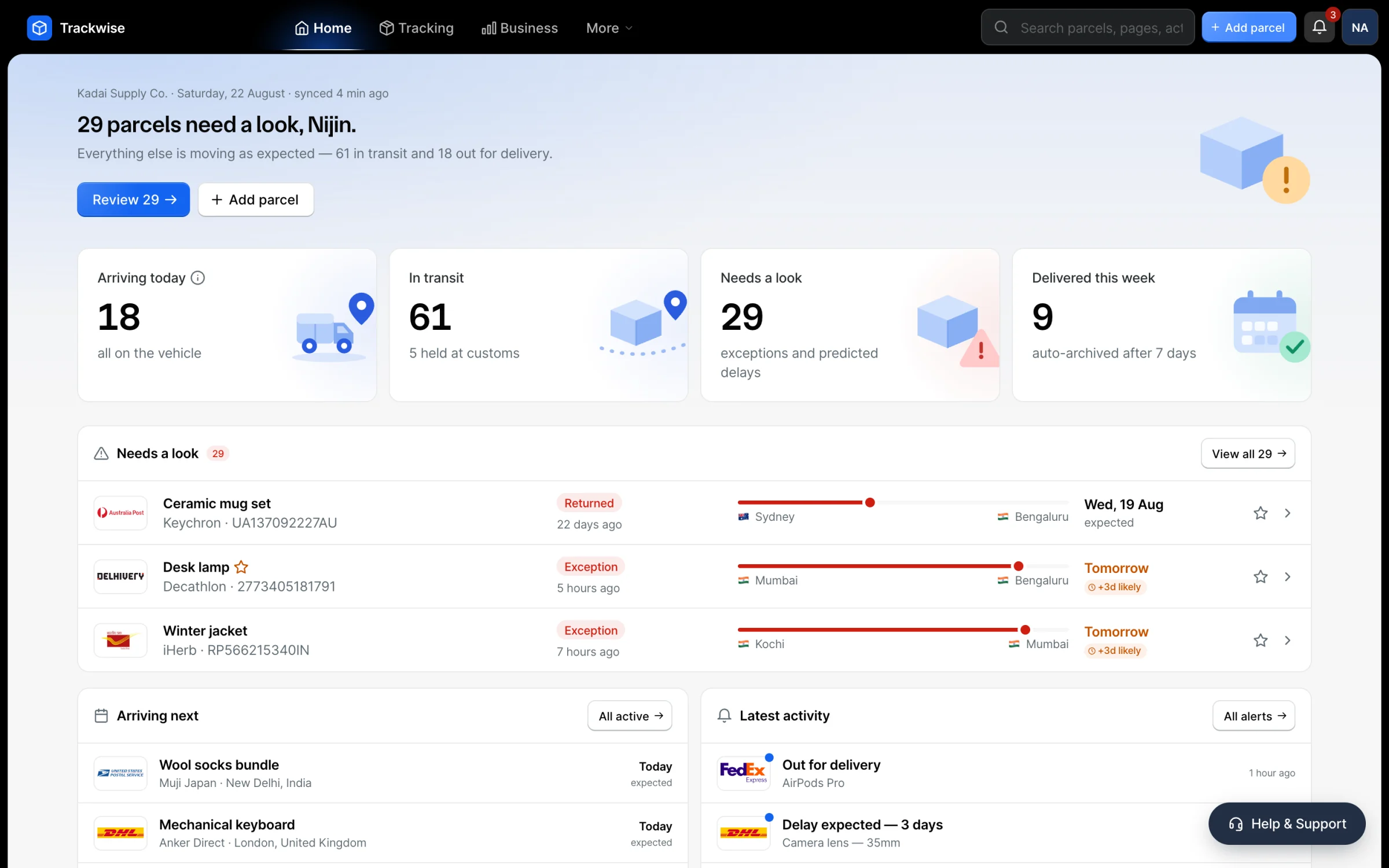
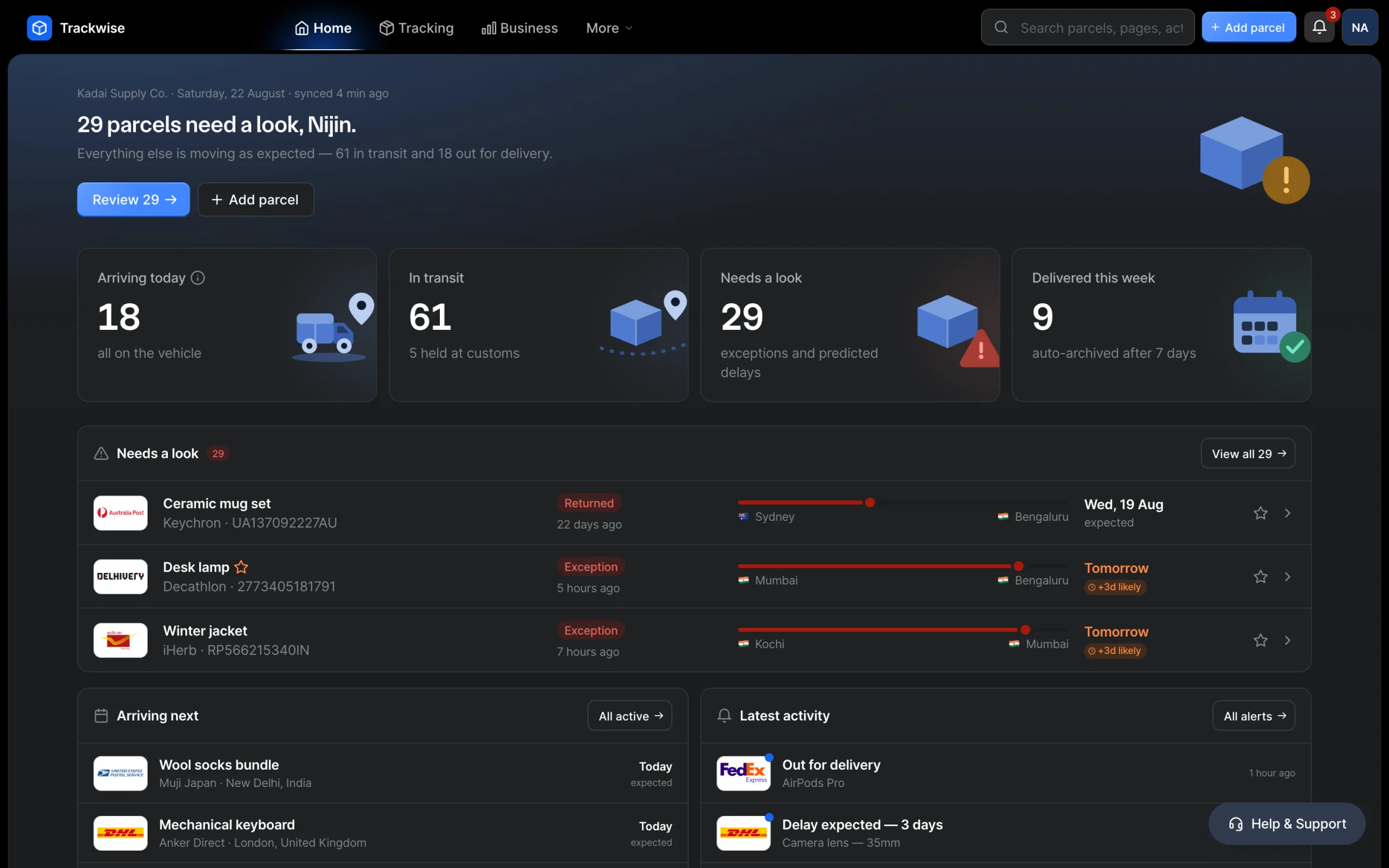
It opens on what needs a person, not on a list of everything.
The part a shopper sees
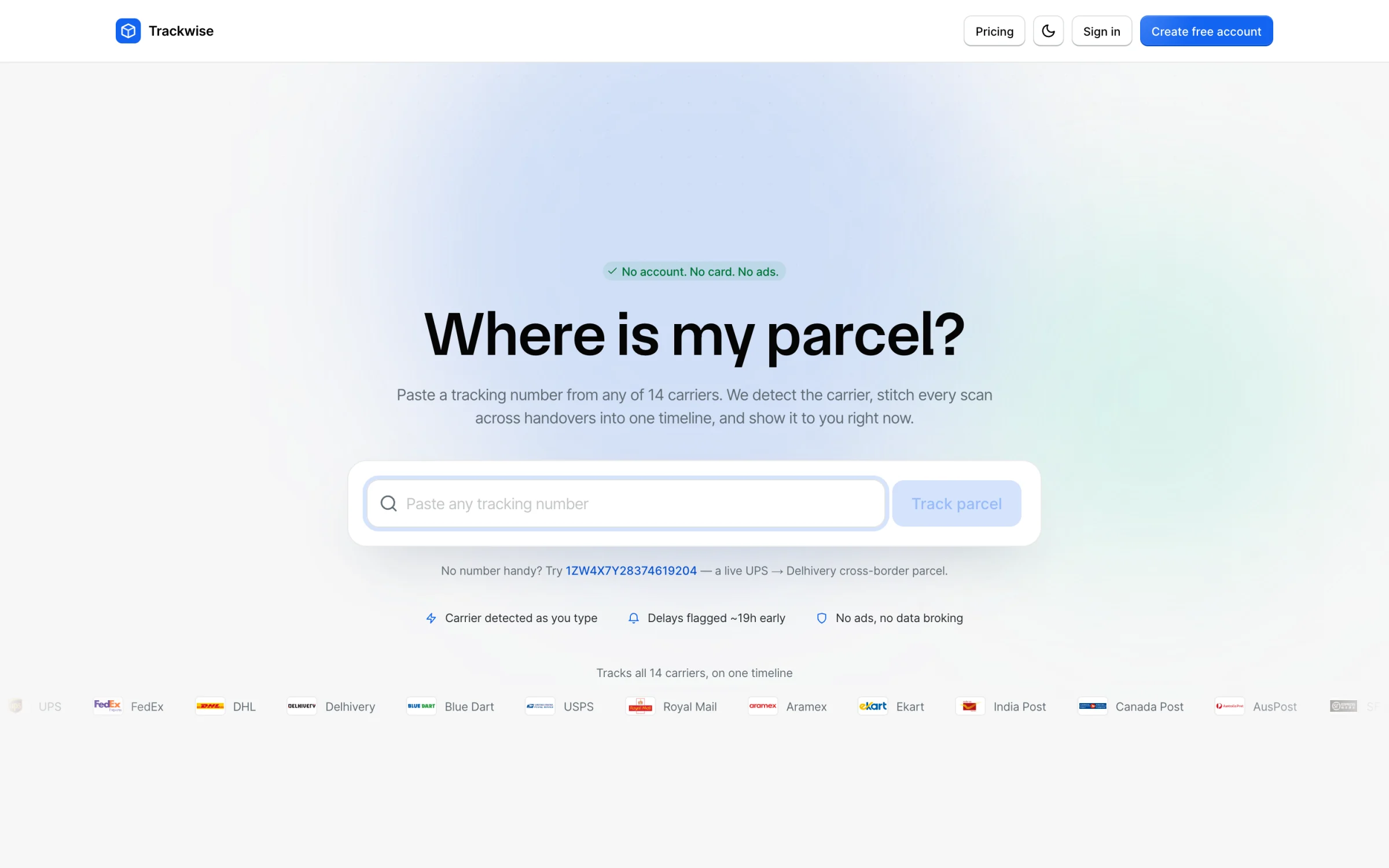
The landing page has one job. The marketing that used to sit under the hero moved to the tracking page, after the answer, where it is finally persuasive.
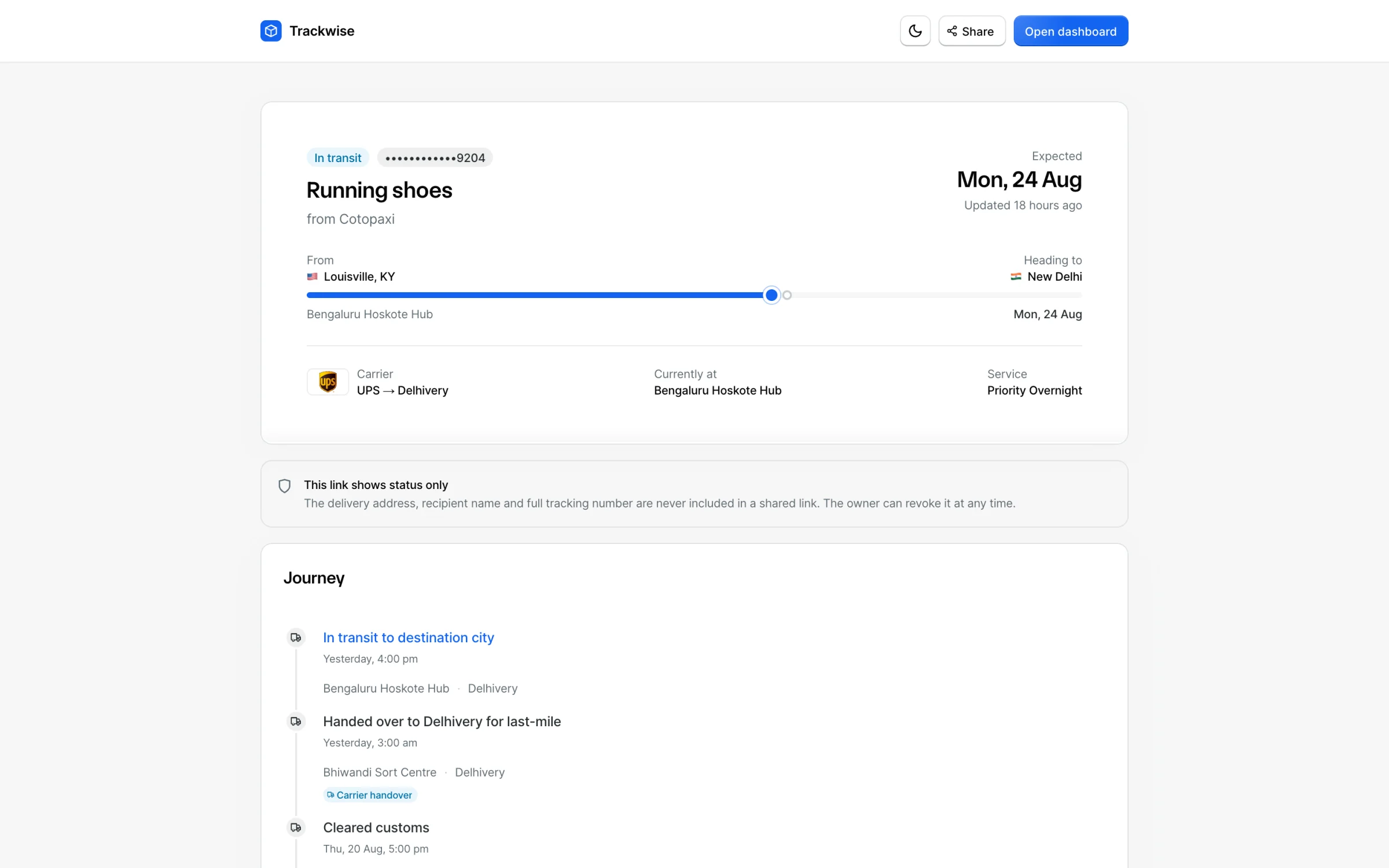
Status first. What you can share is deliberately less than what you can see.
The part a merchant lives in
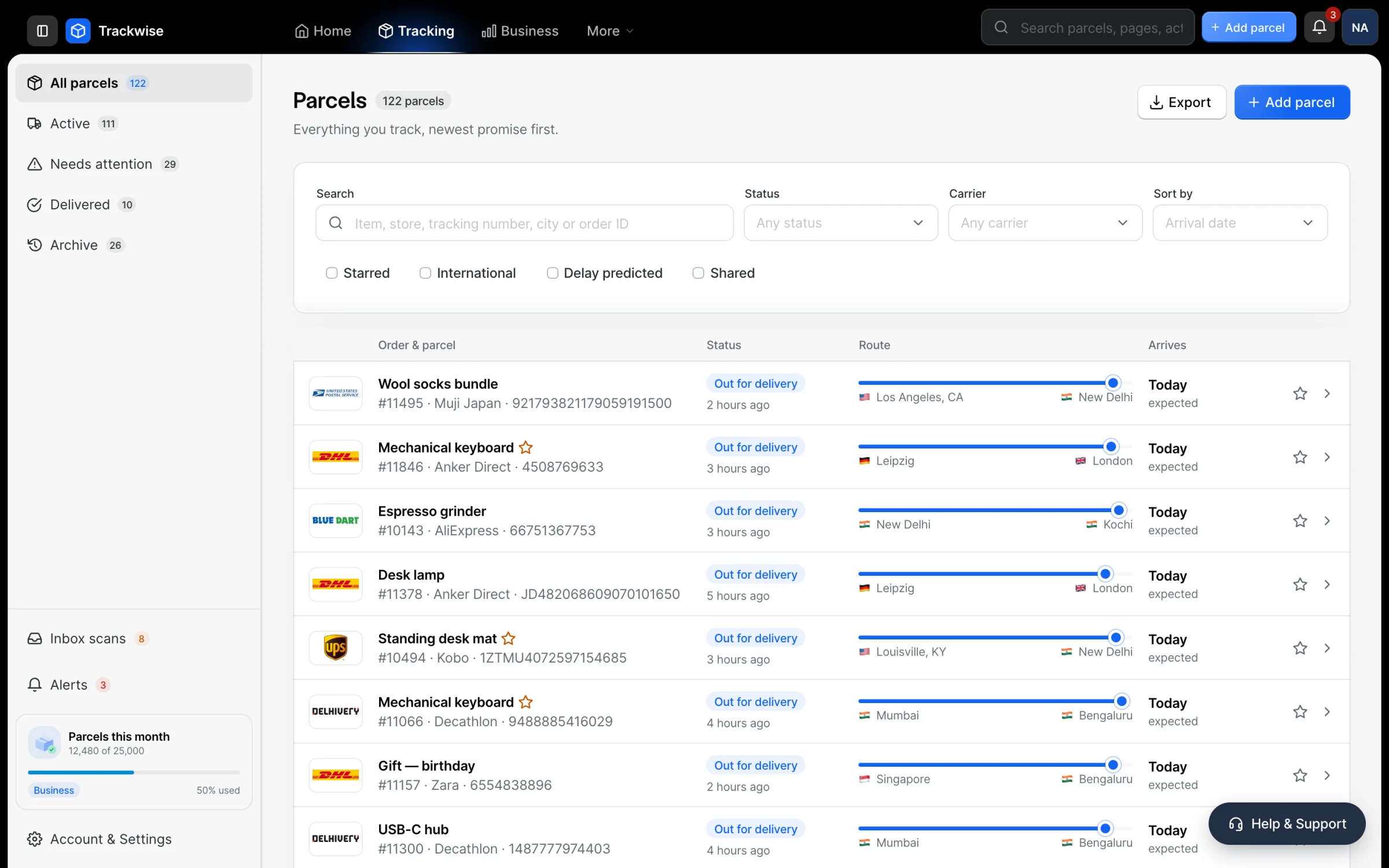
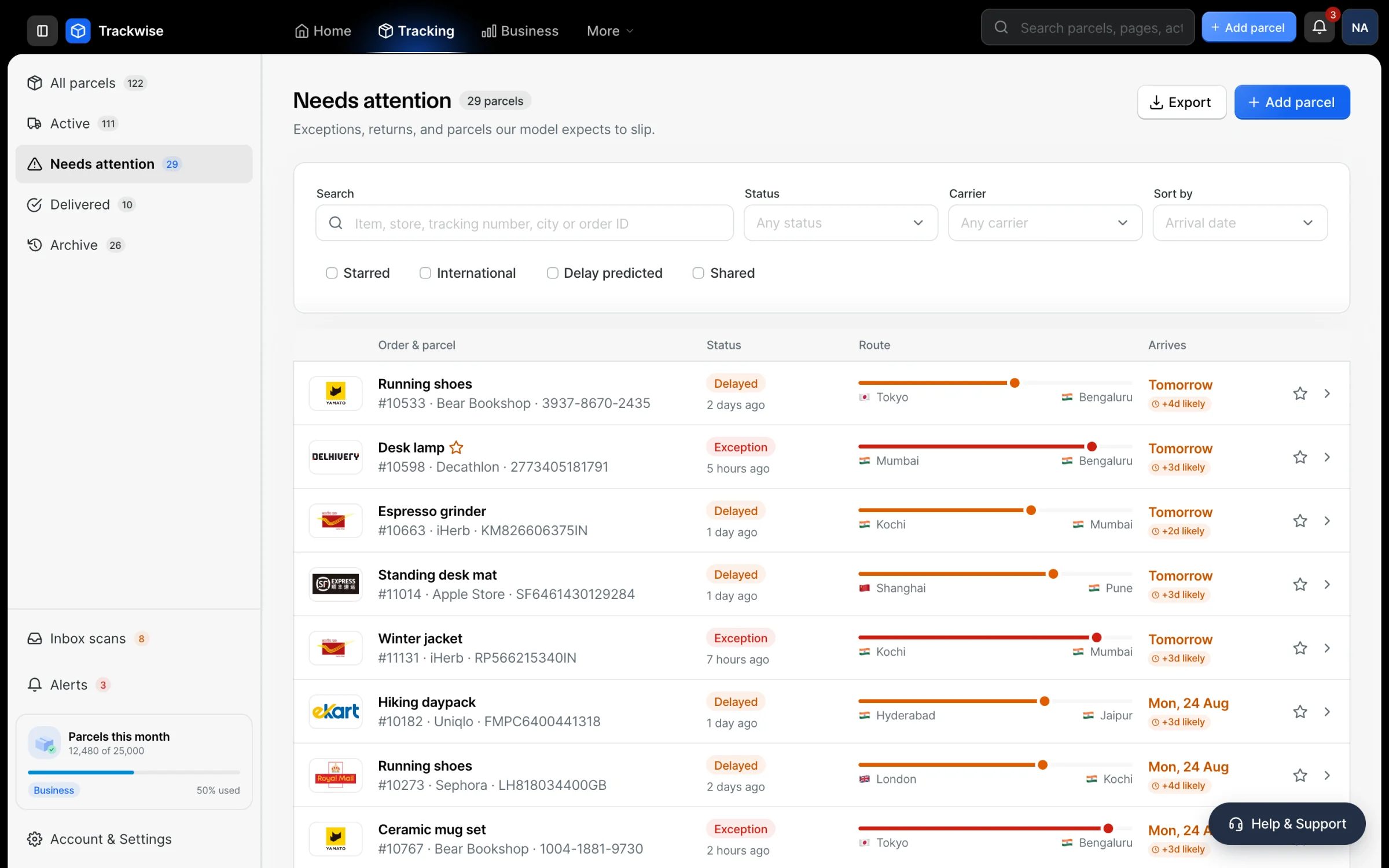
The counts are the point. Needs attention: 29 is a to-do list, not a filter label.
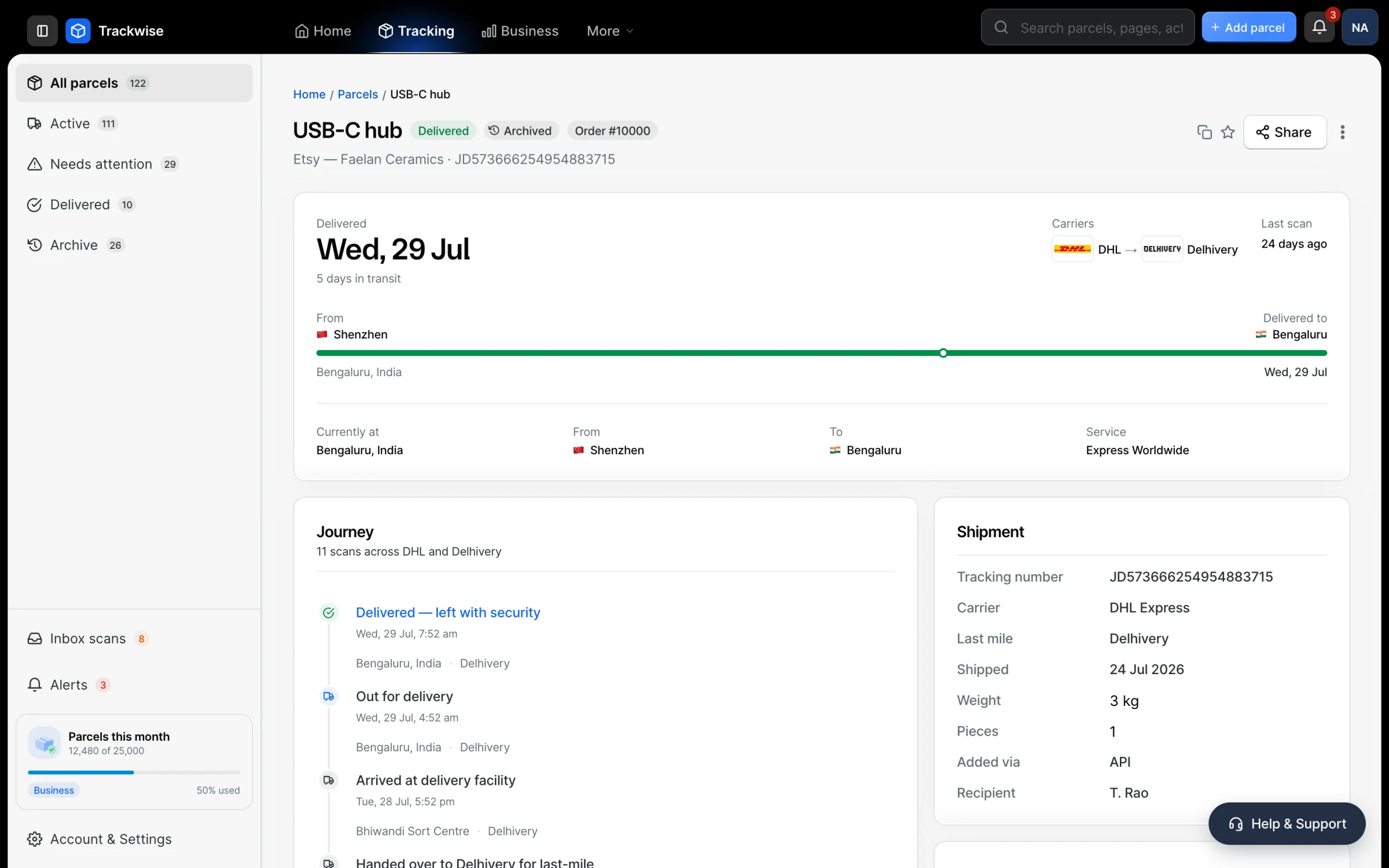
Eleven scans across two carriers, told once. The handover is a fact on the page rather than a gap in the story.
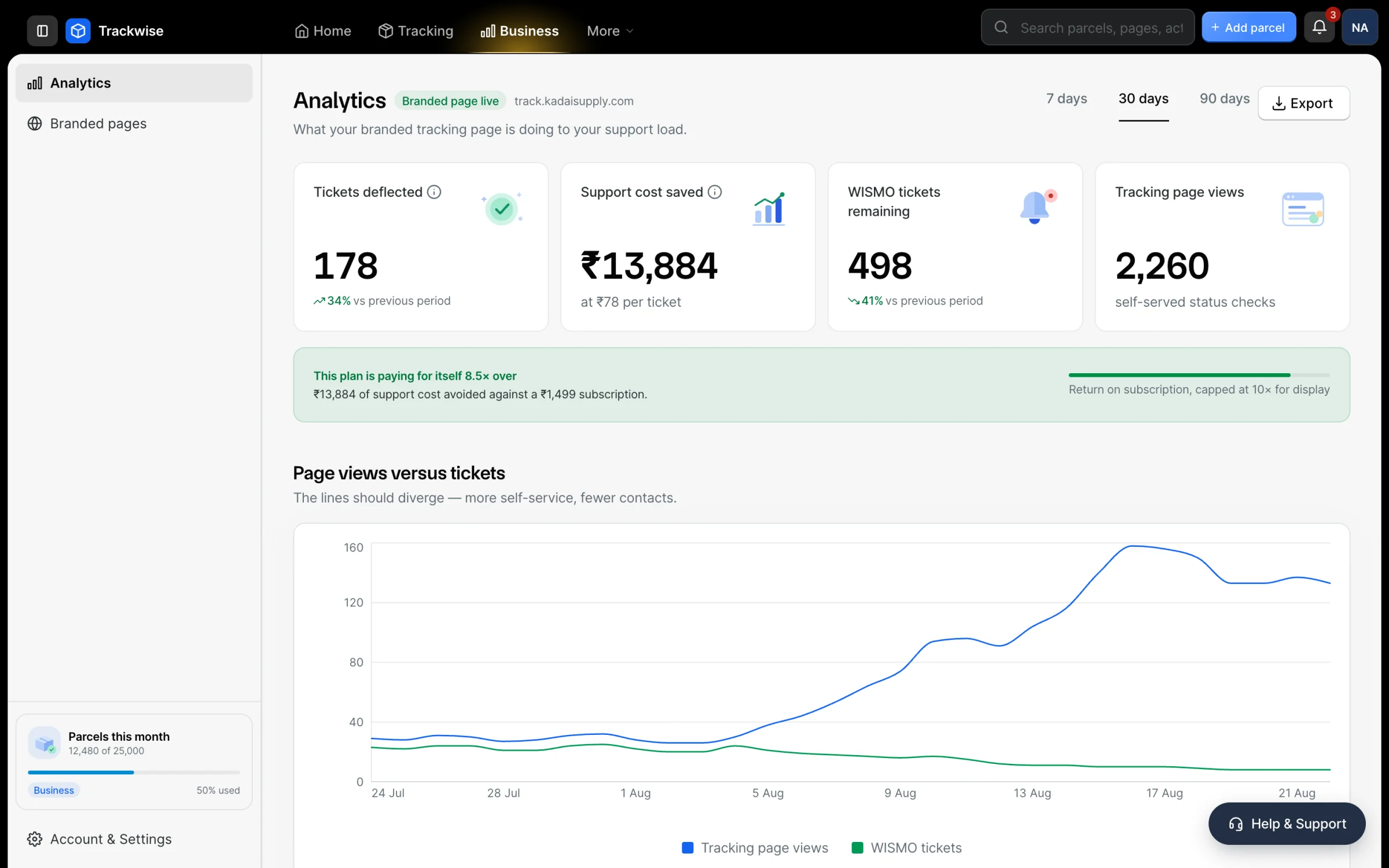
Deflection, carrier performance, prediction accuracy, and the lanes worth fixing.
Paste a block of tracking numbers and watch the carriers resolve as you go.
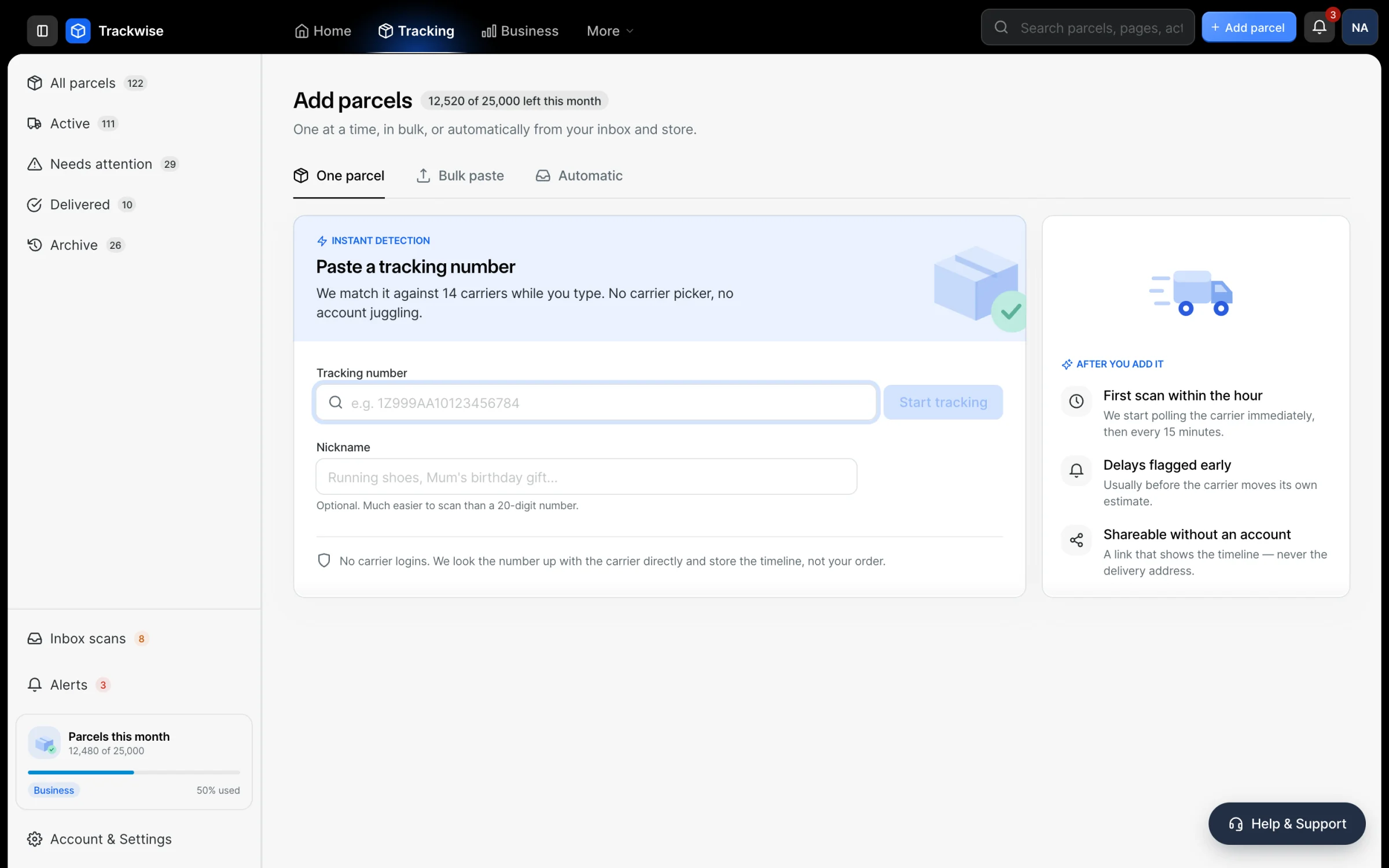
The plumbing
Every alert shows the channel it went out on, because did the customer actually hear about this is the only question that matters here.
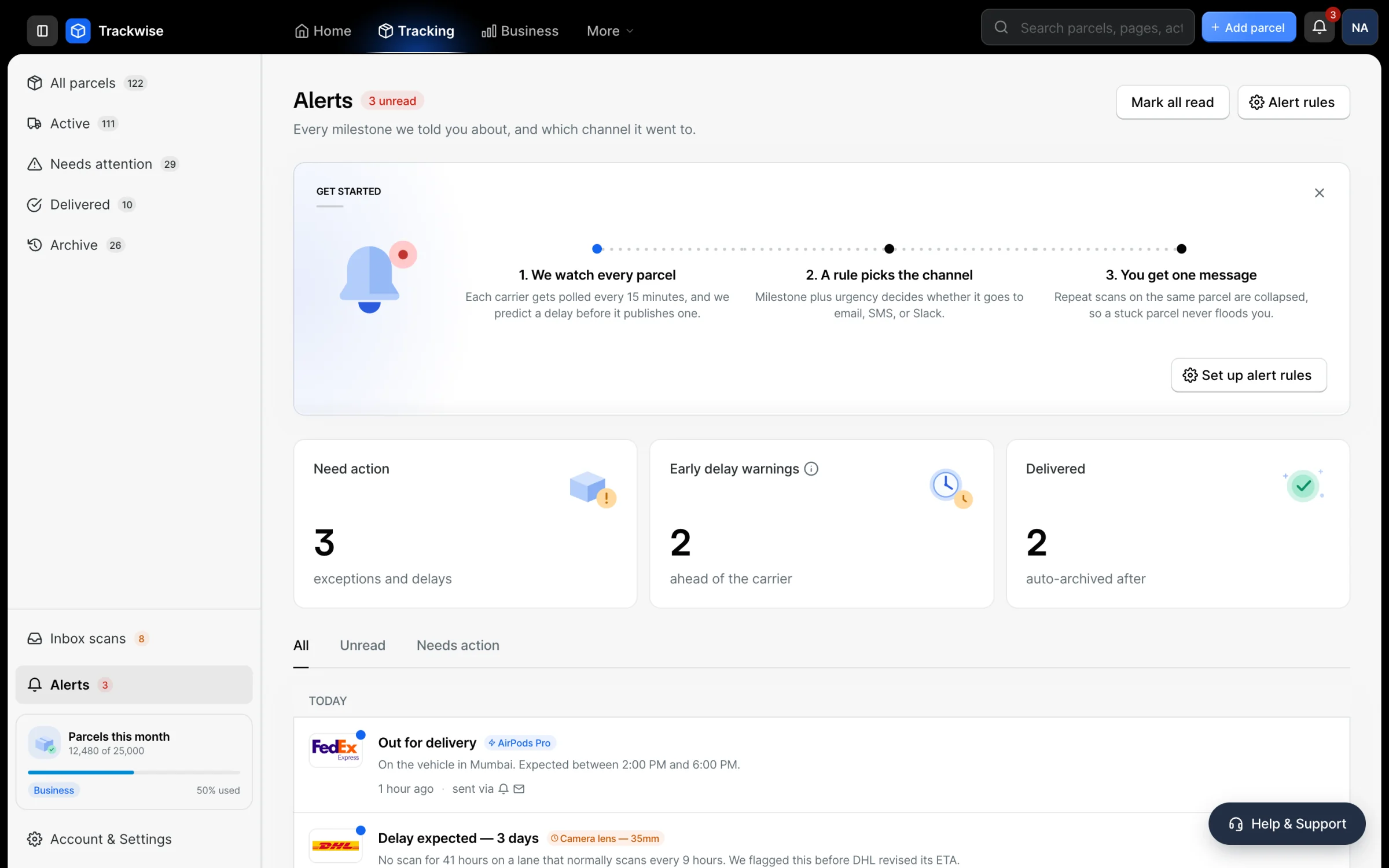
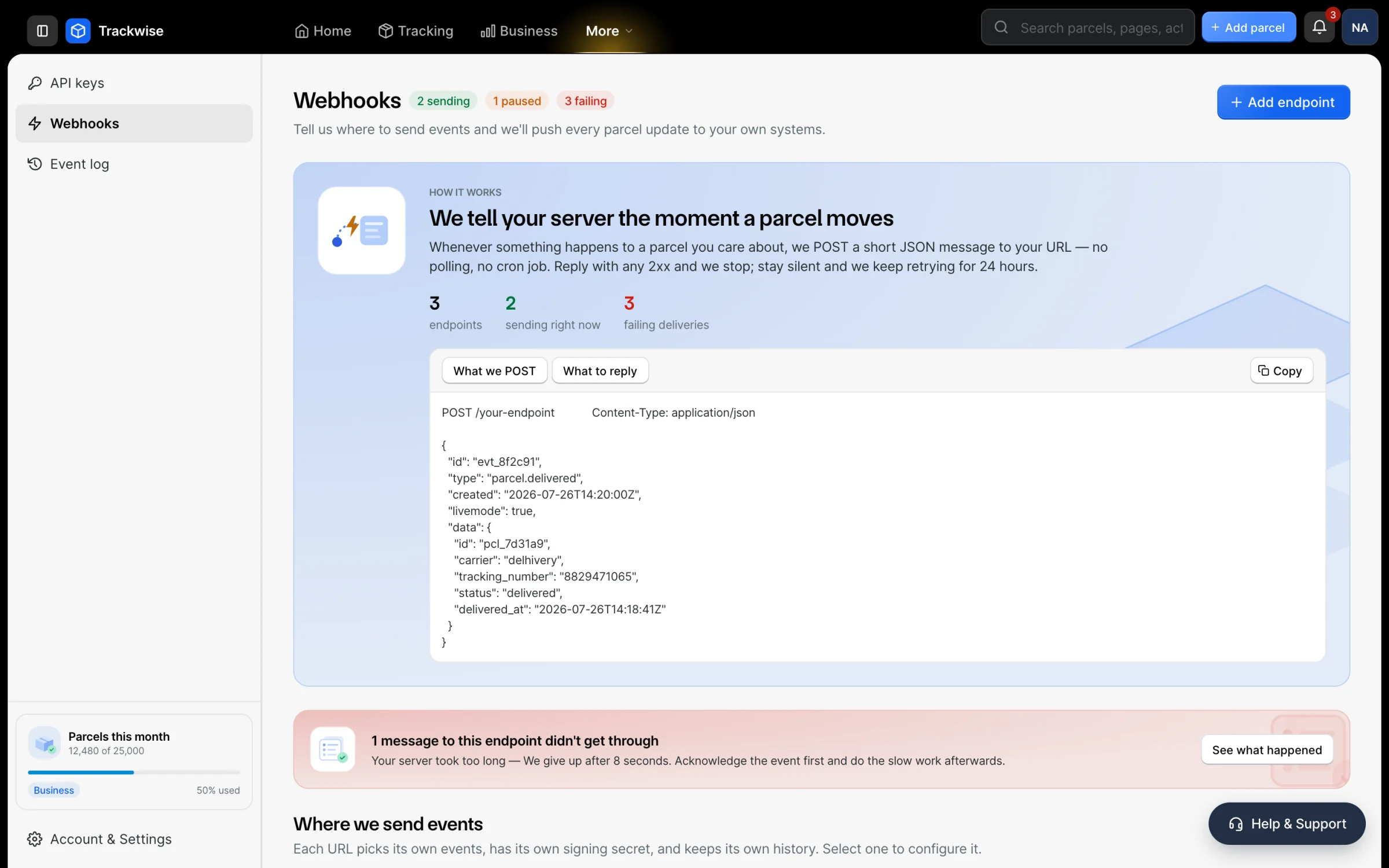
The failed attempt, and why it failed, is the whole reason this screen exists.
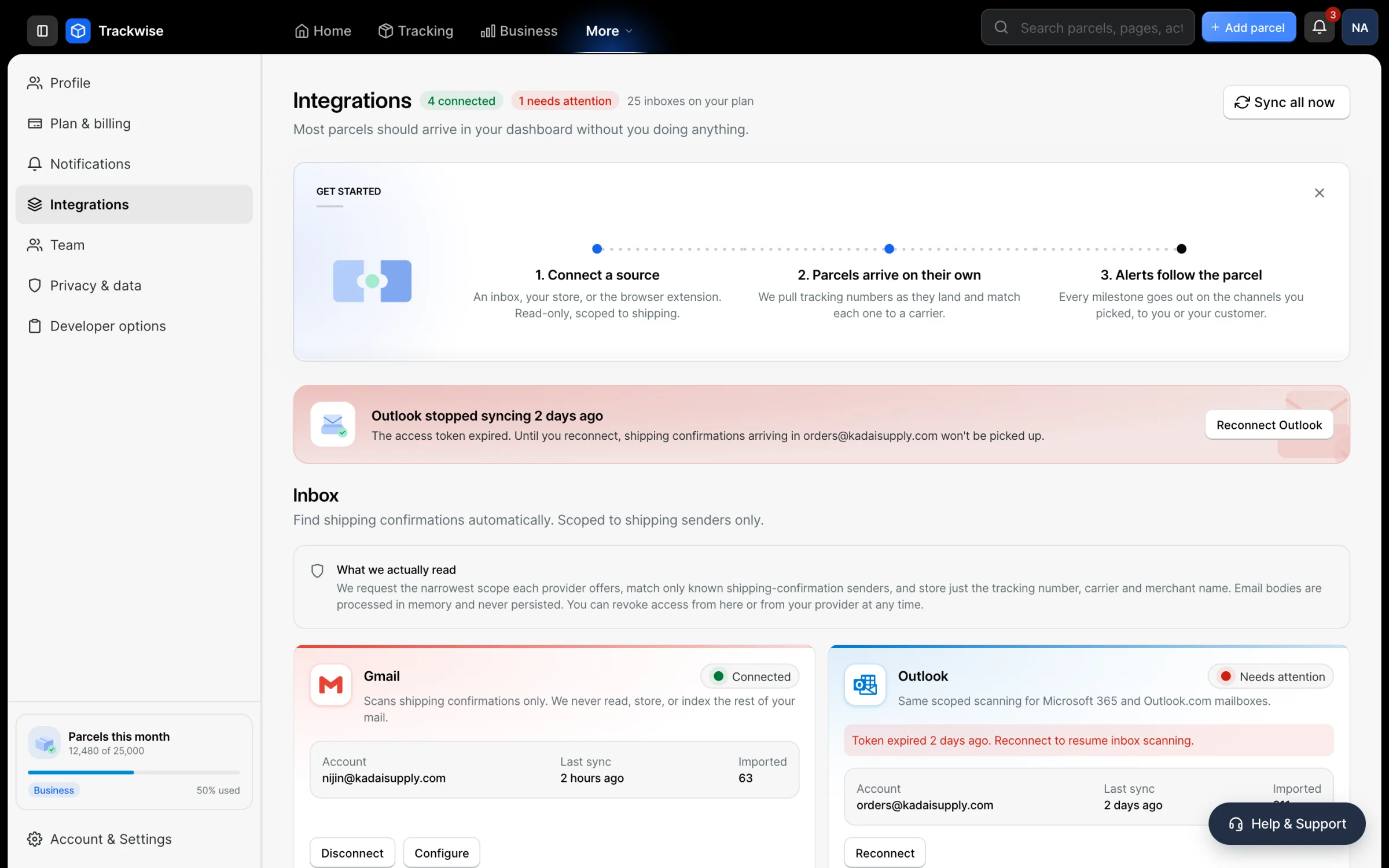
A connected integration and a broken one look genuinely different.
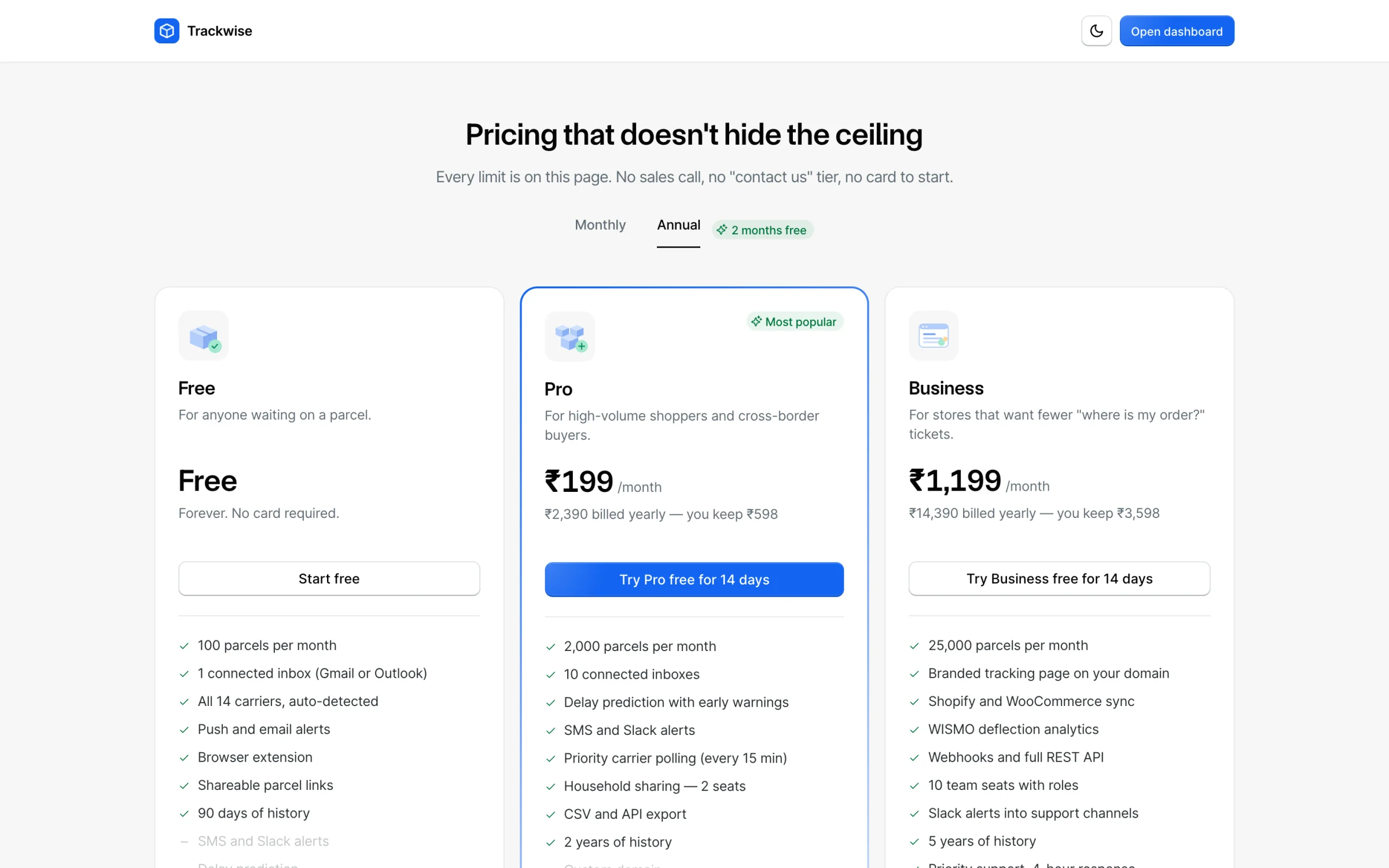
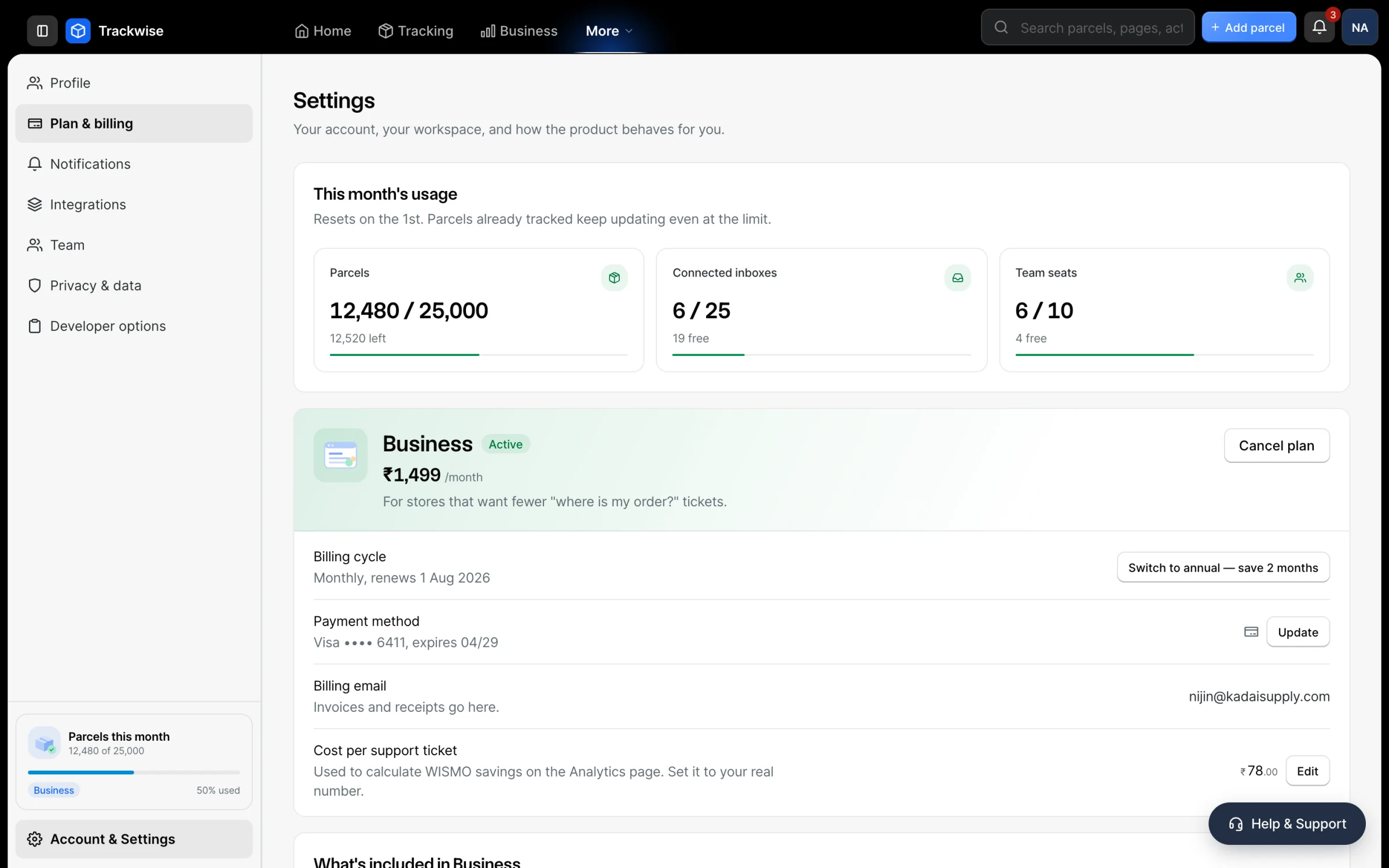
Money, and making it theirs
Every limit on one page, so the awkward questions get answered here rather than in a support thread later.
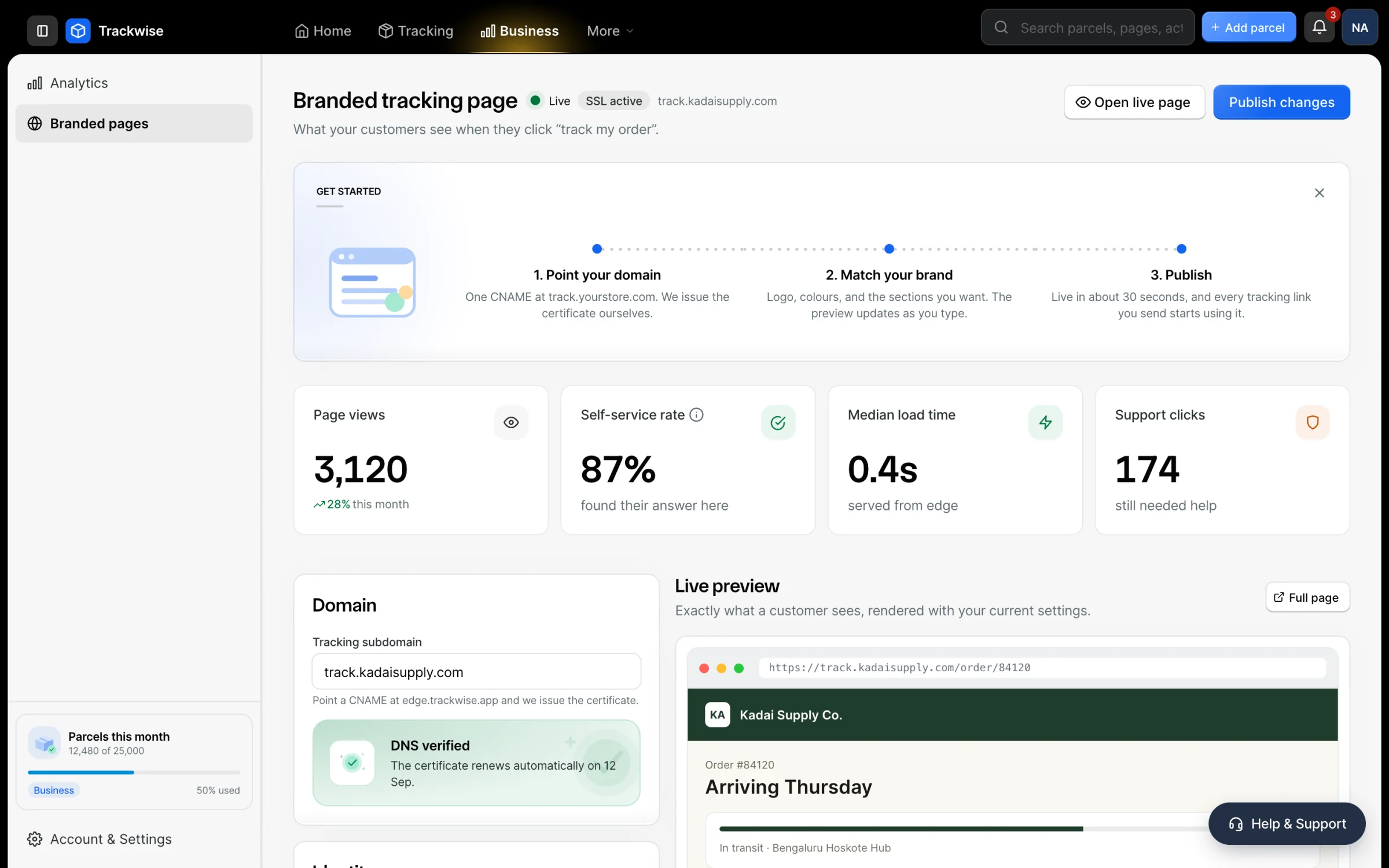
A merchant’s own palette and domain, previewed live. One of the few places the design system needed something new.
The parts that came from Blade switched themselves. The parts I built are where the work was.